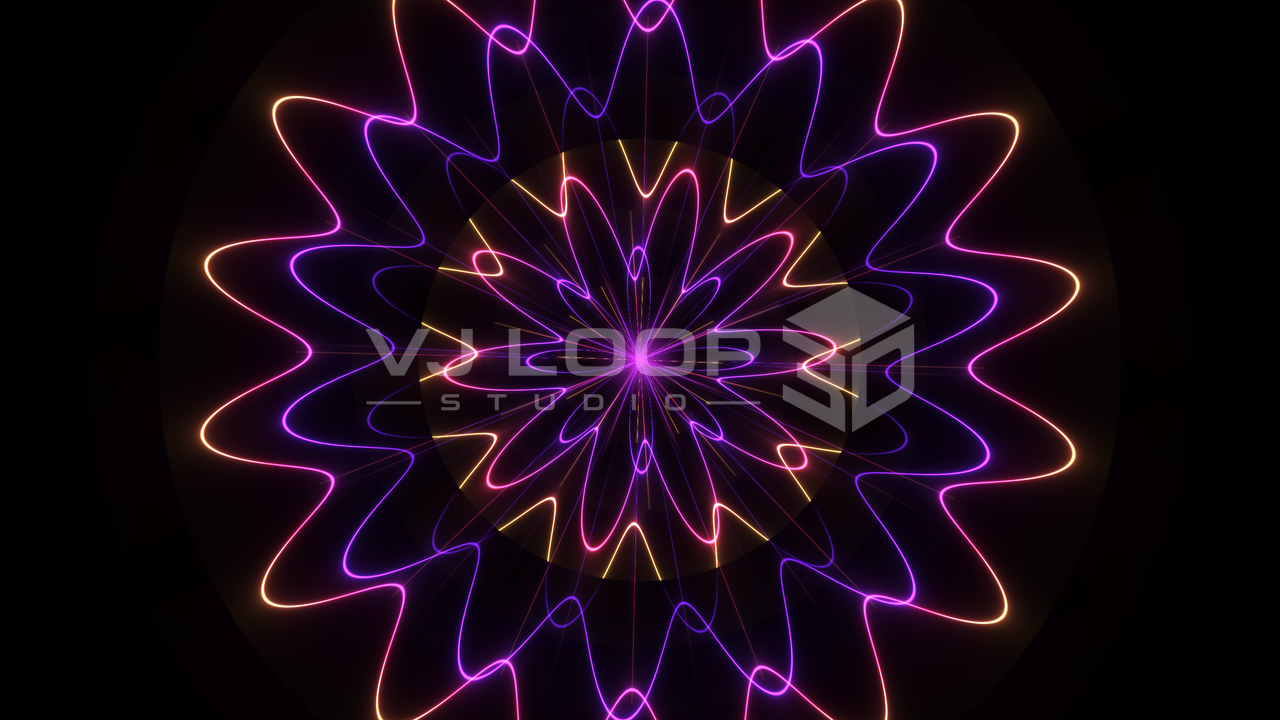
Neon Mandala
Layer after layer of neon geometry blooms into a luminous mandala made for long, hypnotic loops:
Design original VJ loops from scratch — and take them live.
Cinematic scenes, tunnels, organic forms, particles, and graphic motion
Combine effects, media, models, text, lyrics, overlays, and audio
Link selected parameters to level, frequency bands, or beat analysis
Export MP4, MKV, or AVI, use a second display, Spout, or optional NDI
A practical workflow for artists who want control without rebuilding the same setup across several tools.


Browse 124 real-time effects, preview them live, and start from the visual family that matches your project.
Tune effect parameters, palettes, projection, materials, camera motion, and imported media in one workspace.
Arrange clips on the multi-track timeline, animate values with keyframes, and define the exact loop or work area.
Link selected controls to audio, preview in real time, then export a standard video file or use live output.
Four production renders from a catalogue of 124 built-in effects. Open the gallery to inspect every effect.
Layer after layer of neon geometry blooms into a luminous mandala made for long, hypnotic loops:
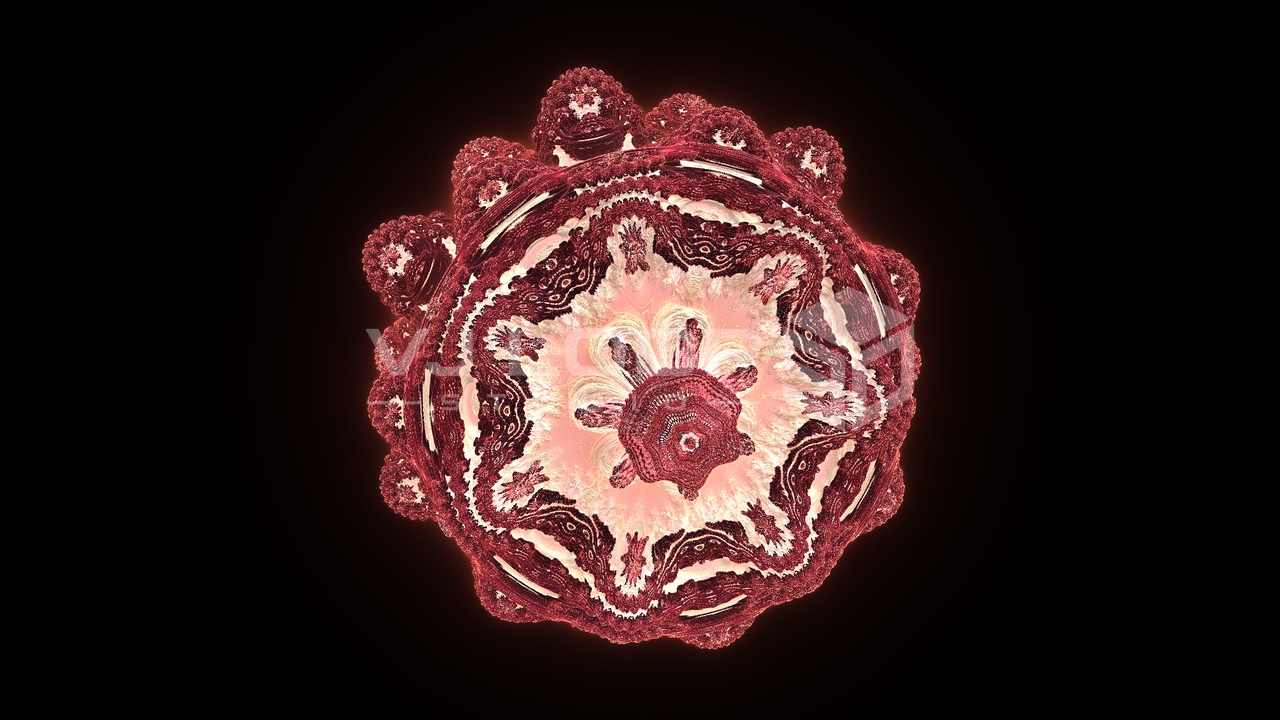
Explore a sculptural raymarched fractal with rich material detail and cinematic depth:
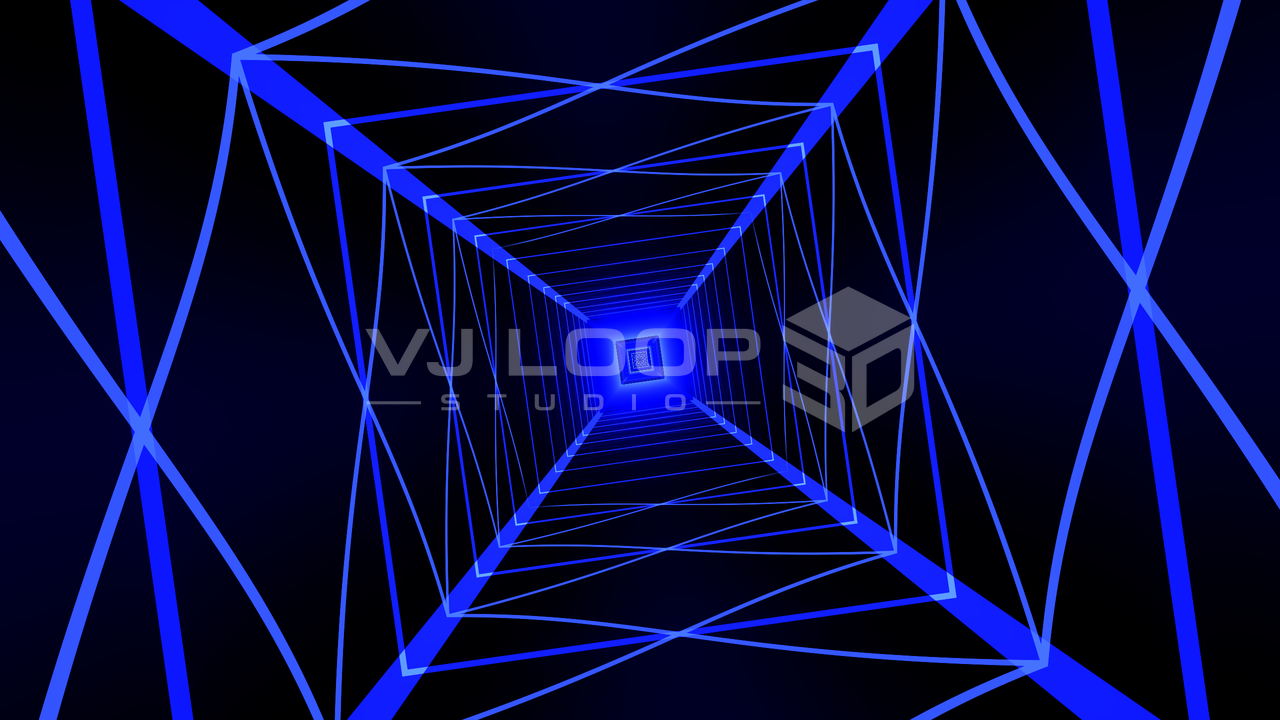
A rigged steel-truss corridor races past in strict rhythmic segments, built for driving stage energy:
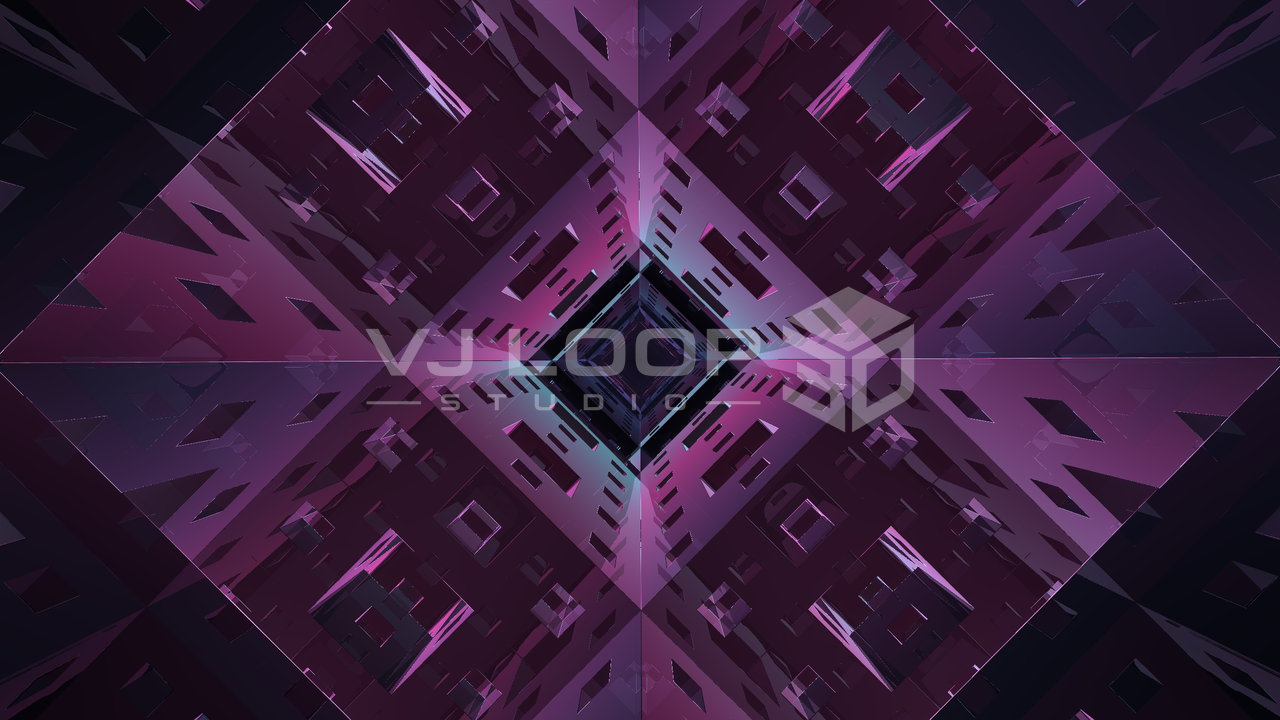
Dive through an endlessly folding Menger fractal with sharp recursive edges and cinematic depth:
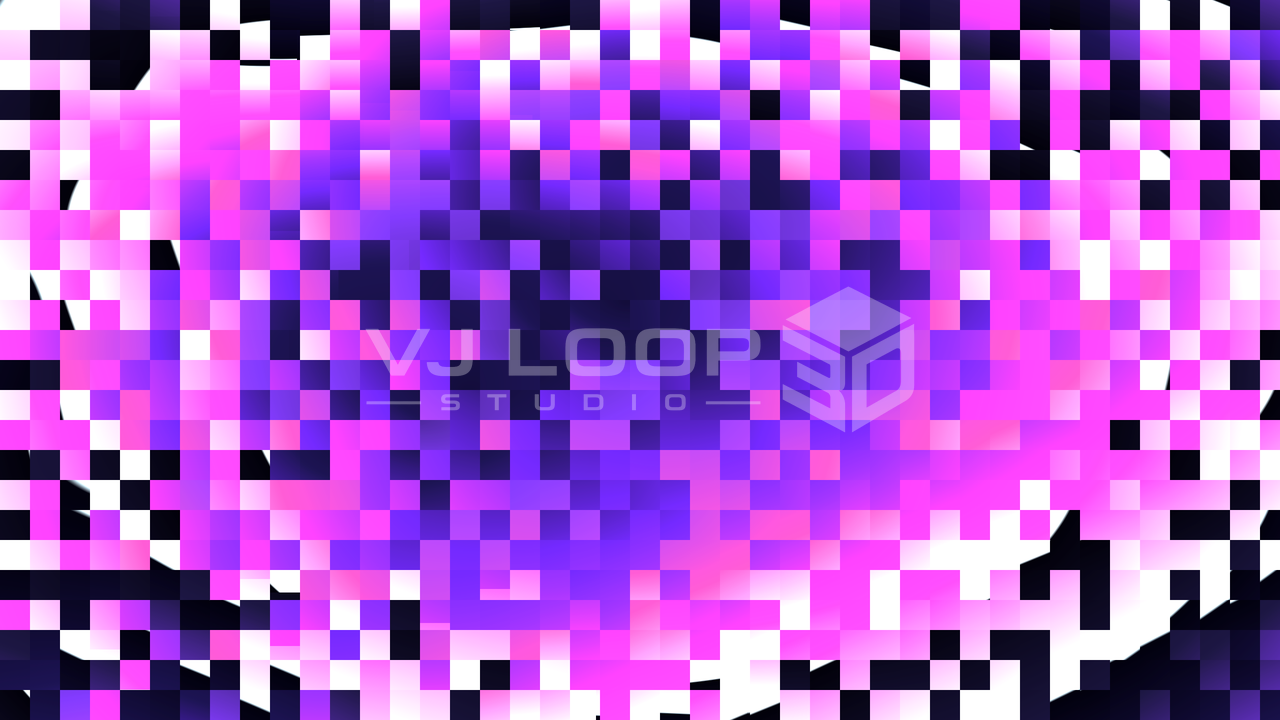
Turn compression artefacts into a look, with block displacement that still loops seamlessly:
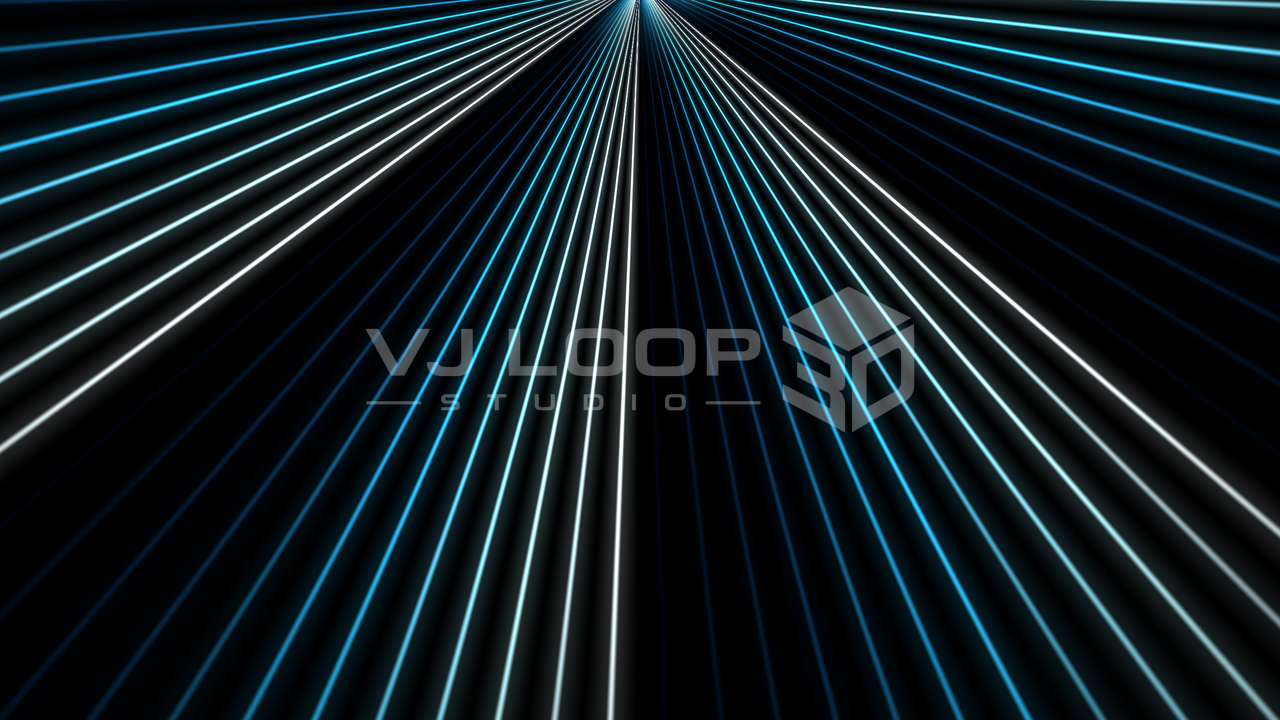
A sweeping fan of laser beams splits, folds, and re-combines in precise rhythmic motion:
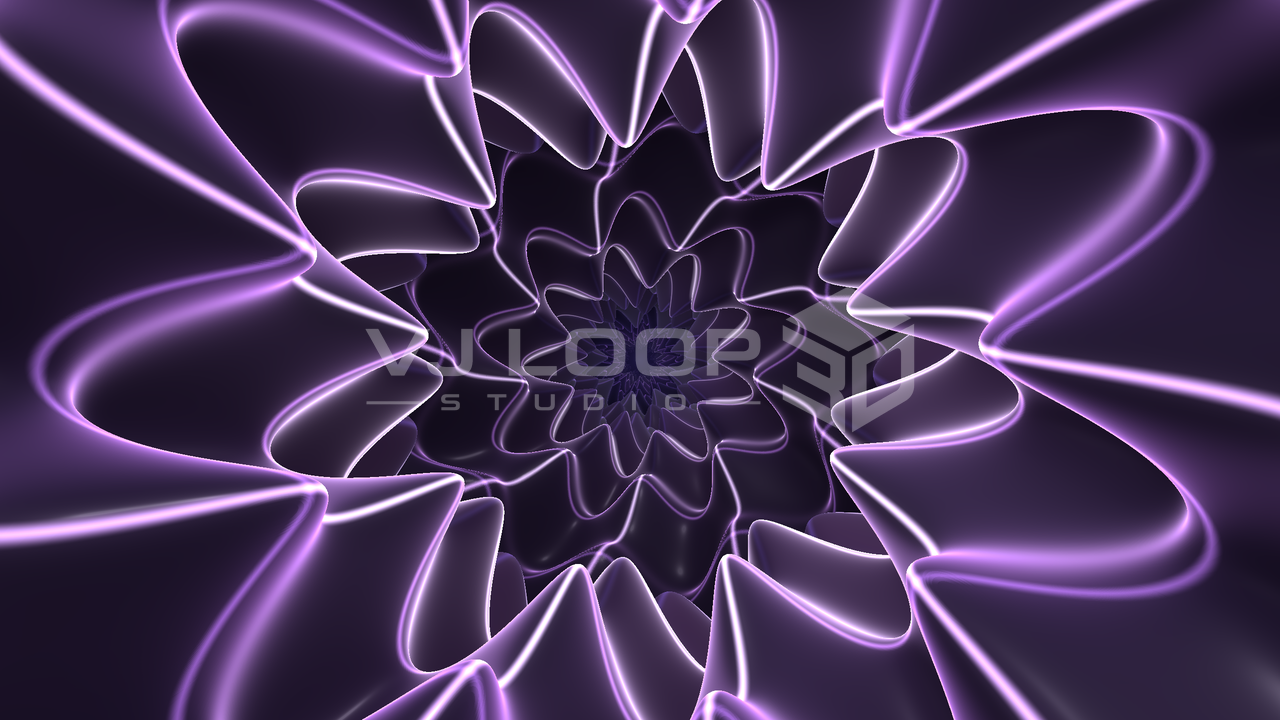
A banded tunnel falling away from the camera, built for continuous forward motion.
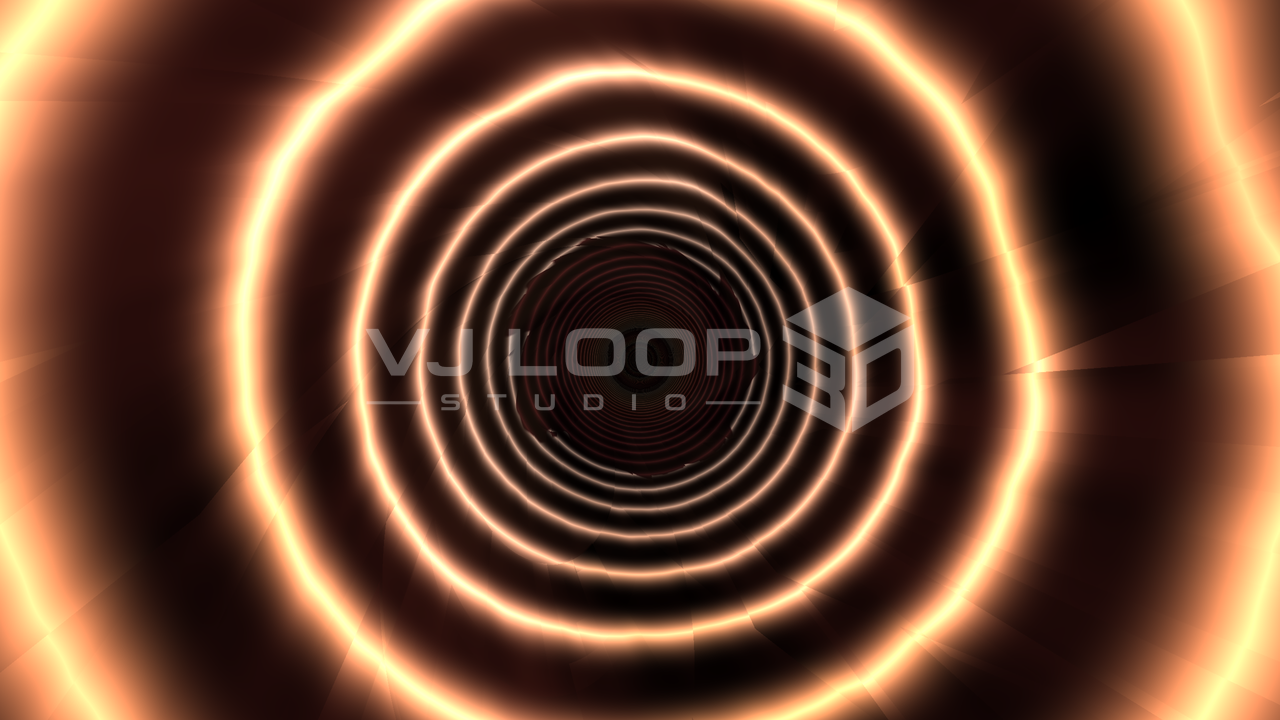
Ribboned light spirals inward through an accelerating vortex, tuned for hypnotic forward motion:
Every effect image is rendered by the current VJ Loop Studio 3D engine—not a concept mockup.
Preview, color, effect controls, and timeline remain in one dockable Windows workspace.
Arrange effect, 3D model, video, image, overlay, text, lyrics, and audio clips across tracks.
Map palettes, adjust their motion, and tune roughness, metallic response, tint, emission, and rim lighting where supported.
Animate controls with keyframes or link selected parameters to RMS, bass, mid, treble, and beat analysis.
Keep the project file and imported media in one workspace for a safer production handoff.
Build reusable loops and visual sequences for performance, production, display, and content workflows.

Prepare loop libraries, test audio response, and send a clean second-screen, Spout, or optional NDI output.
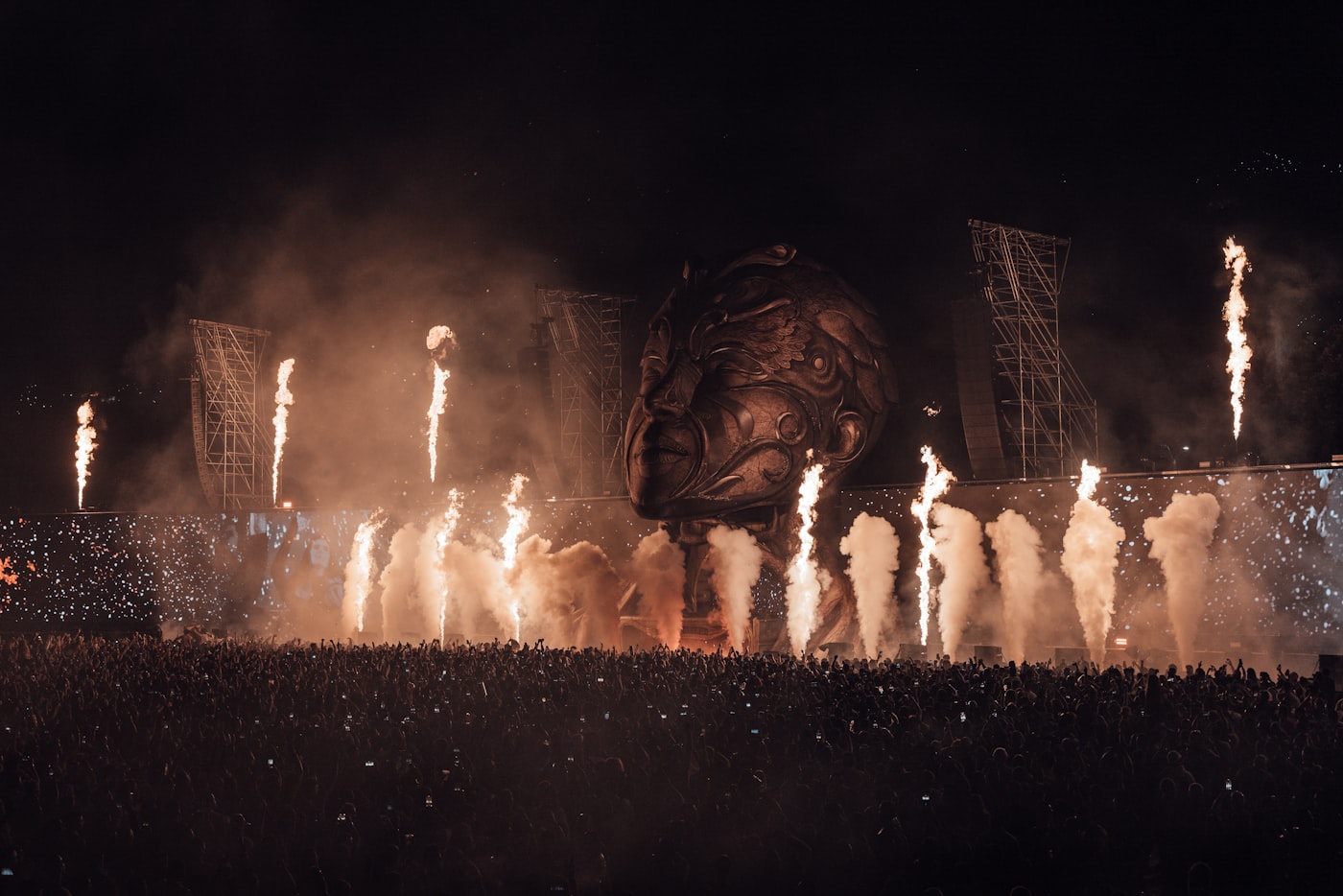
Design high-contrast motion at the target aspect ratio and export files for LED playback or media-server workflows.

Create original backgrounds, transitions, visualizers, and seamless clips for edits, releases, and stage packages.
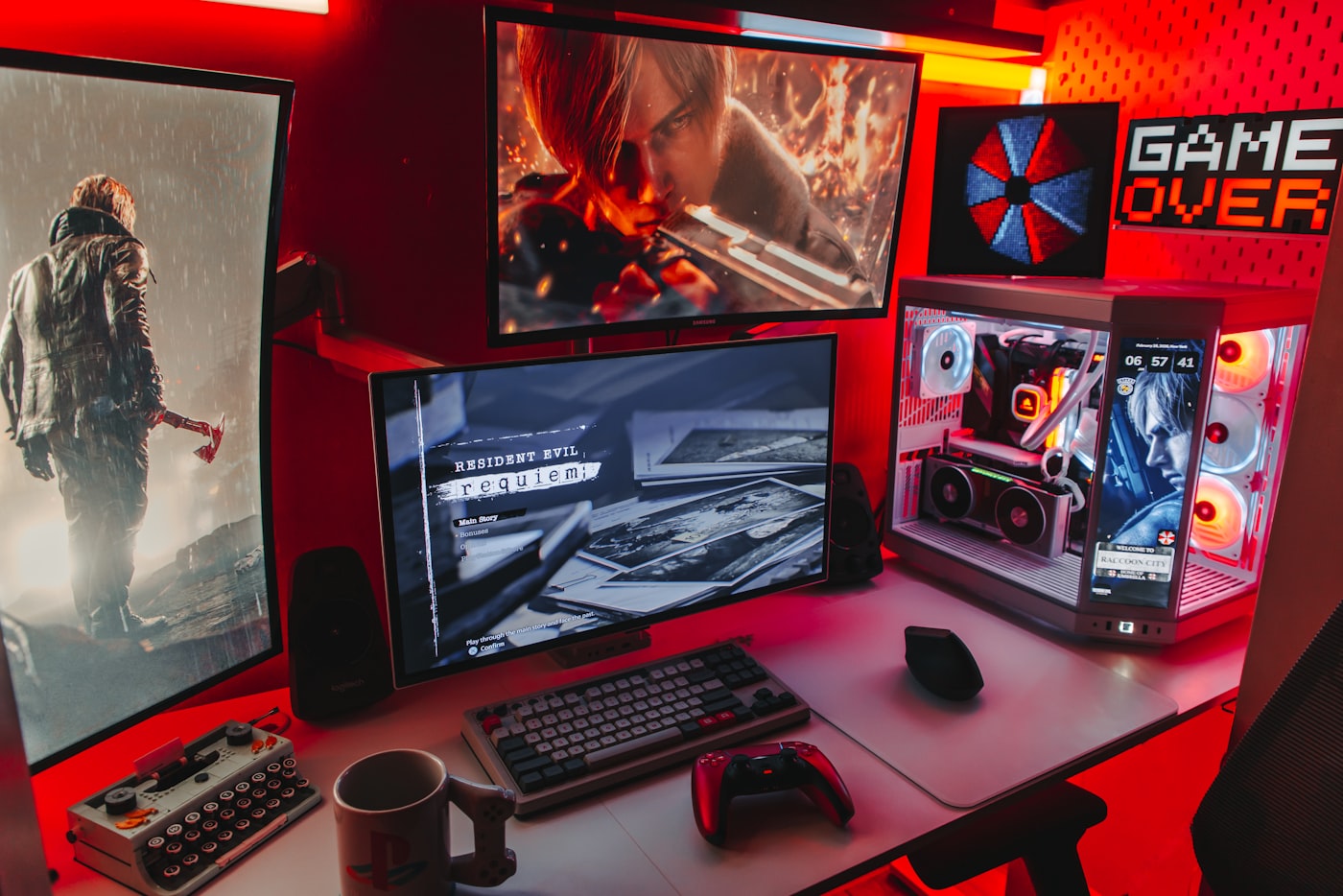
Use custom canvas sizes and timelines to produce branded loops, backgrounds, and overlays for different formats.
Use 3D clips, audio response, real-time preview, and final export in the same project.

Shape depth, camera motion, surface detail, rim light, roughness, metallic response, emission, and palette projection from one workspace.

Drive chosen parameters from audio features with control over amount, smoothing, range, and response direction.

Animate controls with keyframes or link selected parameters to RMS, bass, mid, treble, and beat analysis.
Set resolution, frame rate, duration, quality, container, and codec, then render the complete timeline.
Choose a standard video export or send the live preview through supported Windows output paths.
Render the full timeline to a standard video file at the project resolution and frame rate.
Send the current visual to a second display or an available Windows sharing output.
Continue with the rendered file in an editor, VJ application, or media server that supports the chosen format.
VJ Loop Studio 3D exports standard video containers and codecs. Final compatibility depends on the formats supported by your target editor, media server, or LED application.
A single lifetime licence with instant digital delivery through Lemon Squeezy.
Activation requires your Lemon Squeezy license key and checkout email. One device can be active at a time; contact support for a reset.
Buy and download Version 1.1.0 · One price, one licence, no recurring charges.